
Find a starting point
Search a name or choose a product category. If the name is unclear, upload a reference photo and look through the returned shapes and details.
A good find starts with a closer look.
The OOTDBuy Spreadsheet puts clothing, sneakers and accessories within easy reach. Search by name, browse a category or start with a photo, then compare the pictures and open the matching OOTDBuy product link.
Start with a picture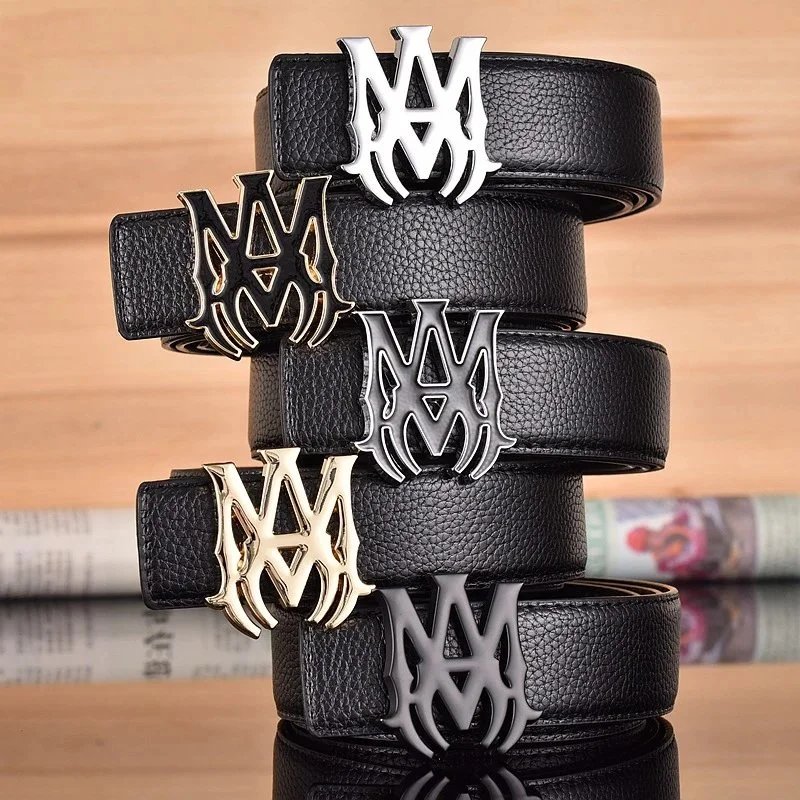
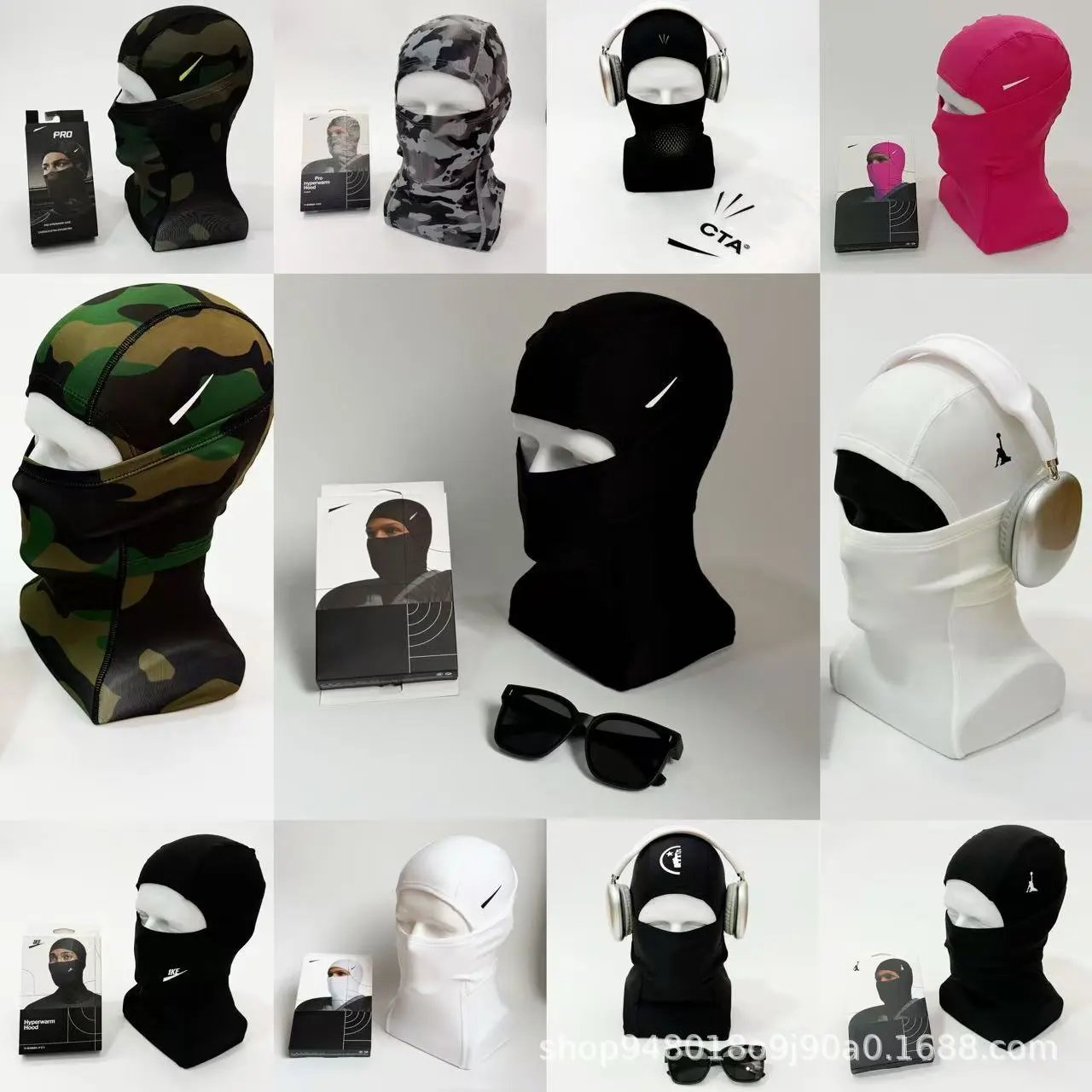
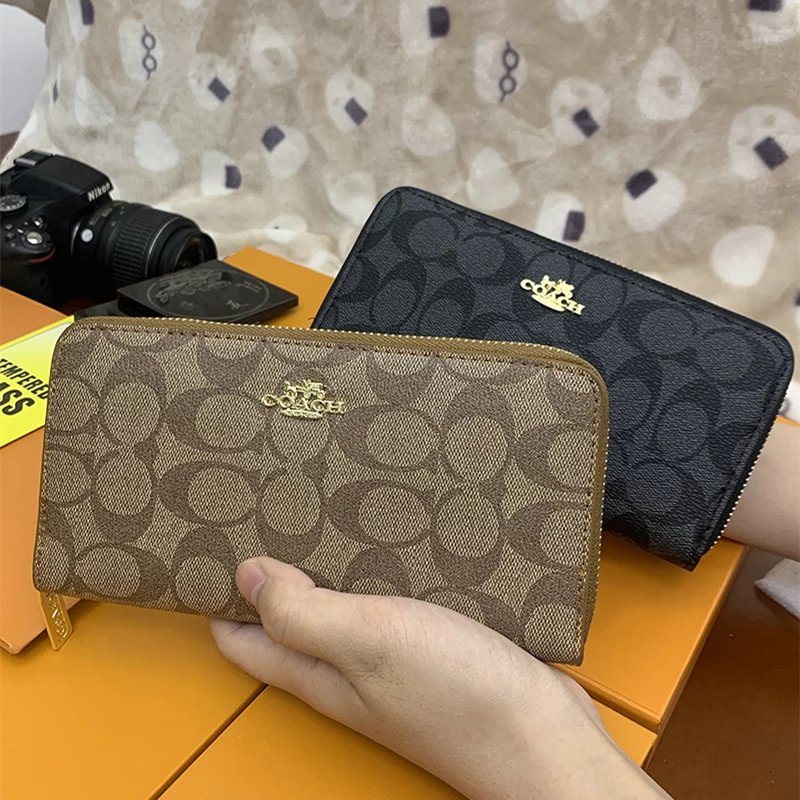
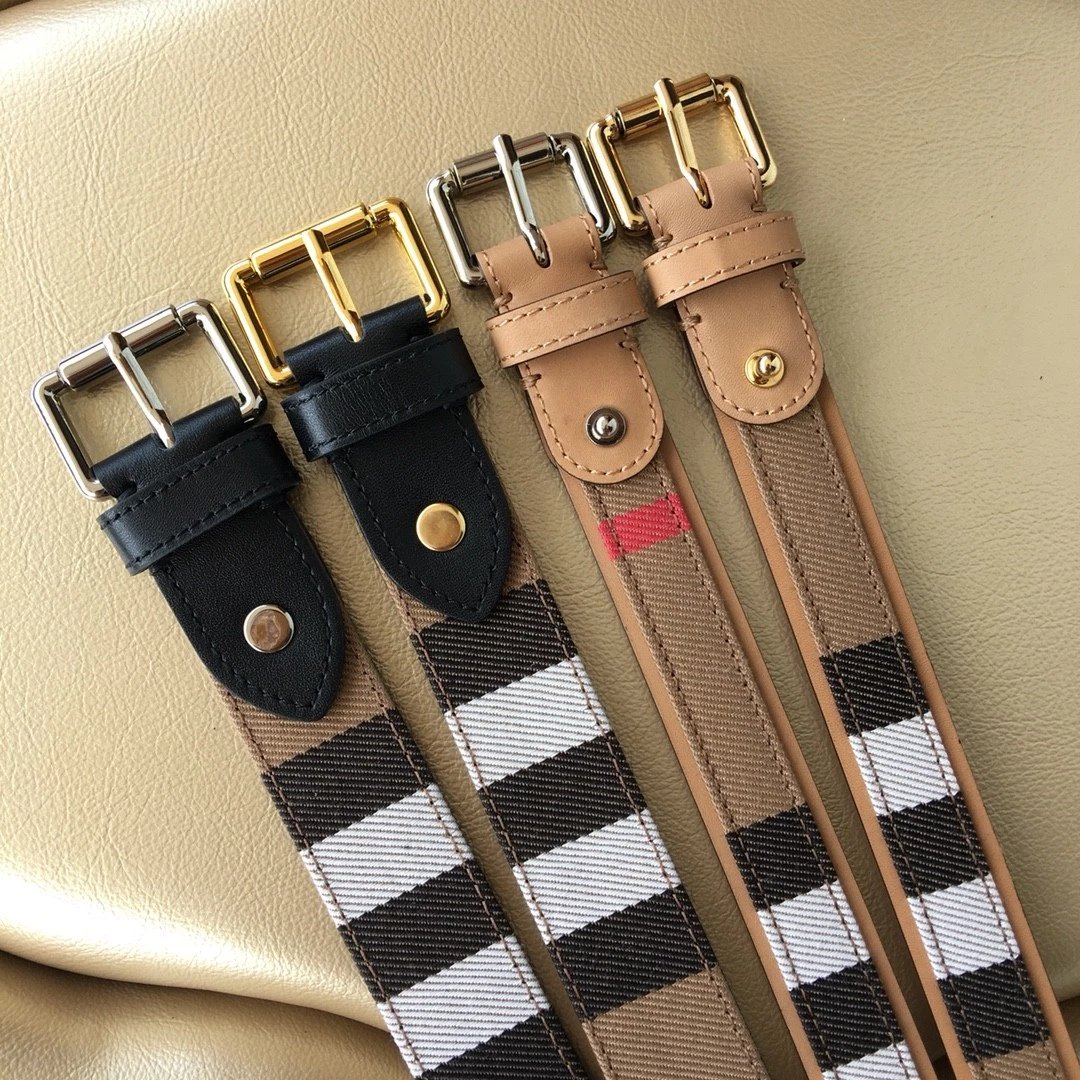
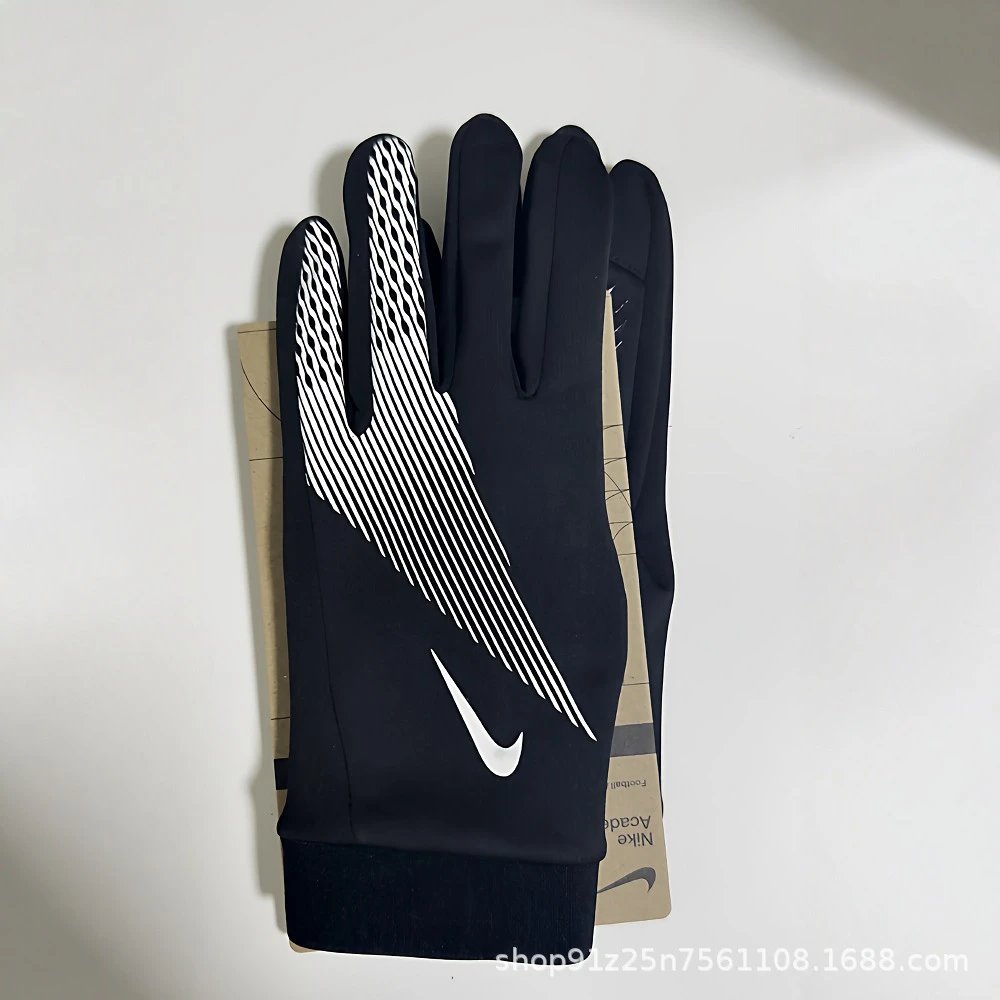
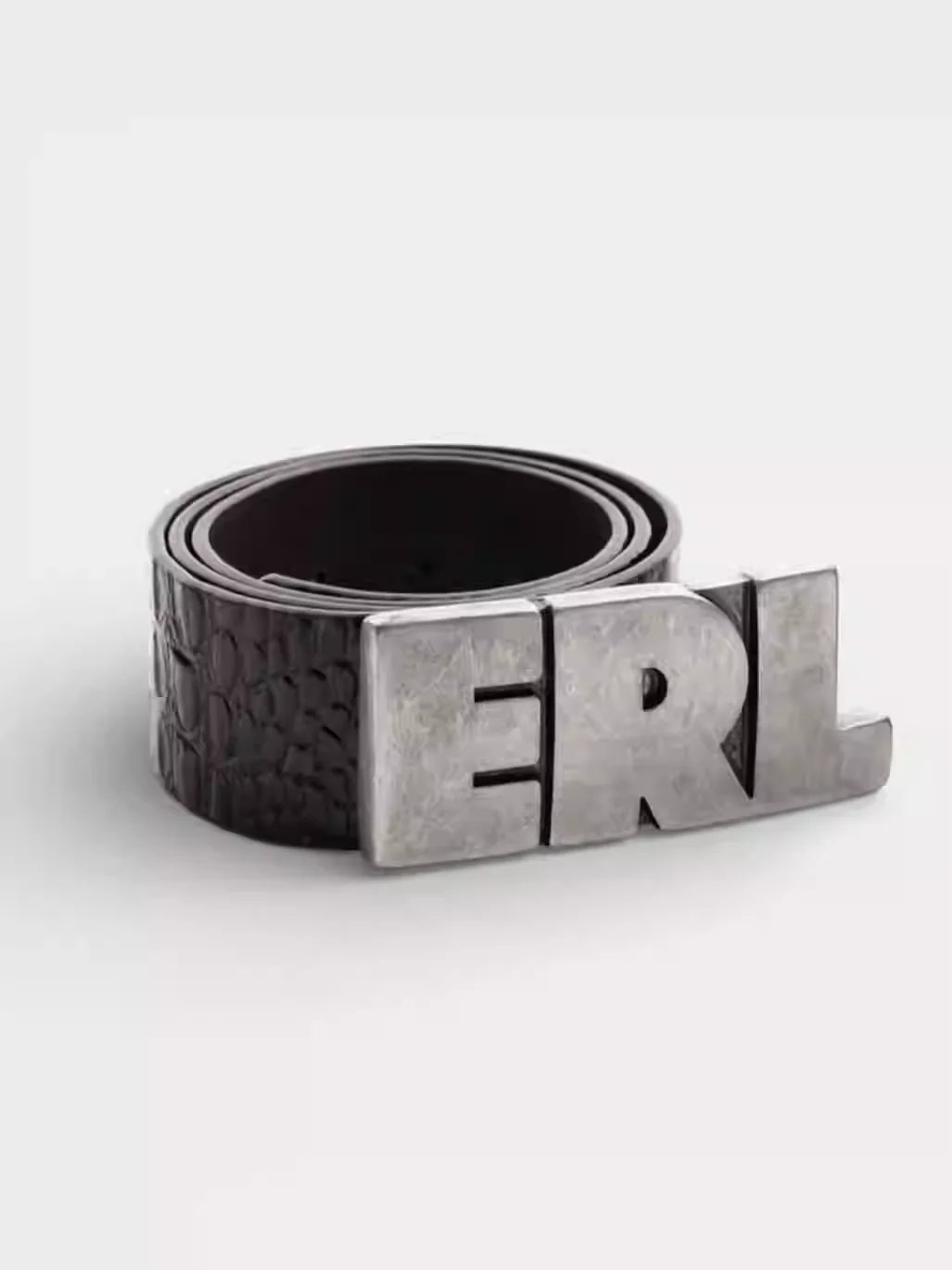
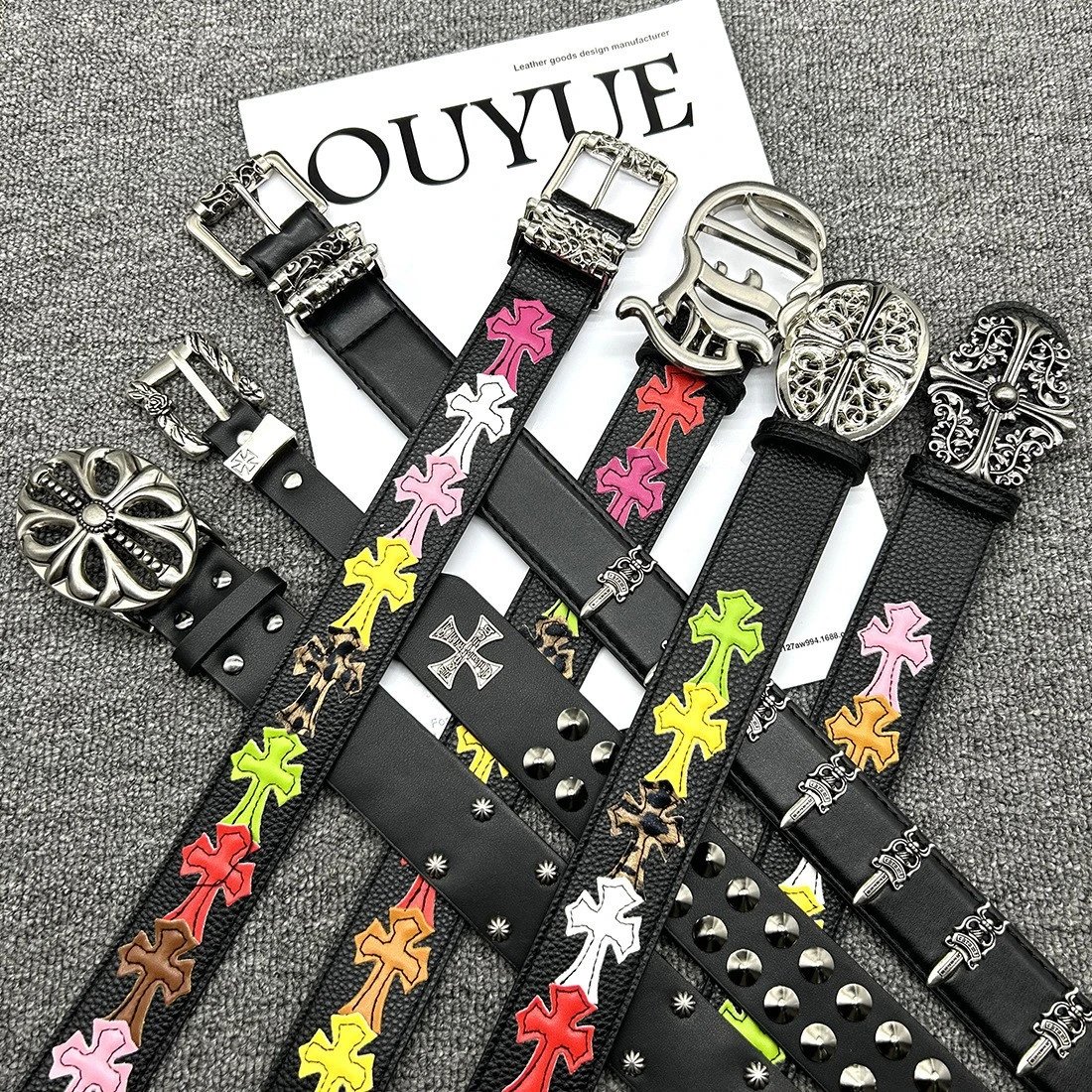

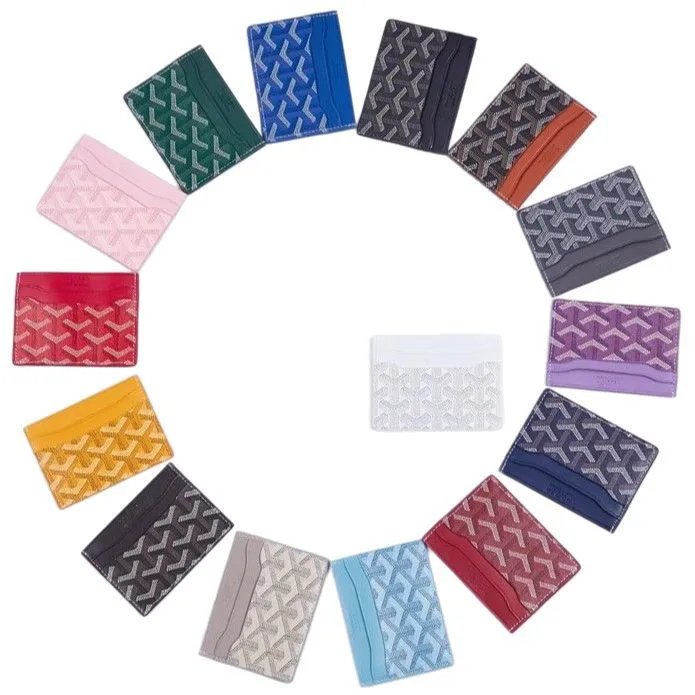
Search a name or choose a product category. If the name is unclear, upload a reference photo and look through the returned shapes and details.
Open the gallery, change the pictured style and inspect any QC references. Keep seller images and existing QC in context when comparing a find.
The OOTDBuy button uses the source listing’s product ID. Confirm the current offer and choose the actual order options on the destination page.
Start with the silhouette: sneakers, boots and other footwear sit together here. Open the shoe gallery to compare the toe, outsole and fastening; use available QC to look more closely before opening OOTDBuy.
Browse T-shirts, shirts, knitwear and hoodies without mixing them into a full clothing feed. Compare front and back pictures, print placement and collar construction on the individual listing.
Find trousers, denim and shorts by their own product type. Pictures help compare pocket layouts, leg shapes and hems; the destination listing is where you confirm measurements and available options.
Jackets and coats deserve more than a thumbnail. Look through closures, cuffs and lining photos, then keep that exact product linked when continuing to OOTDBuy.
Explore coordinated pieces together. Check the pictures for every included item and read the seller’s current offer to confirm what a set actually contains.
Keep socks and underwear in their own browsing space. Compare the pictured design and pack contents, then confirm sizing and quantity at the original offer.
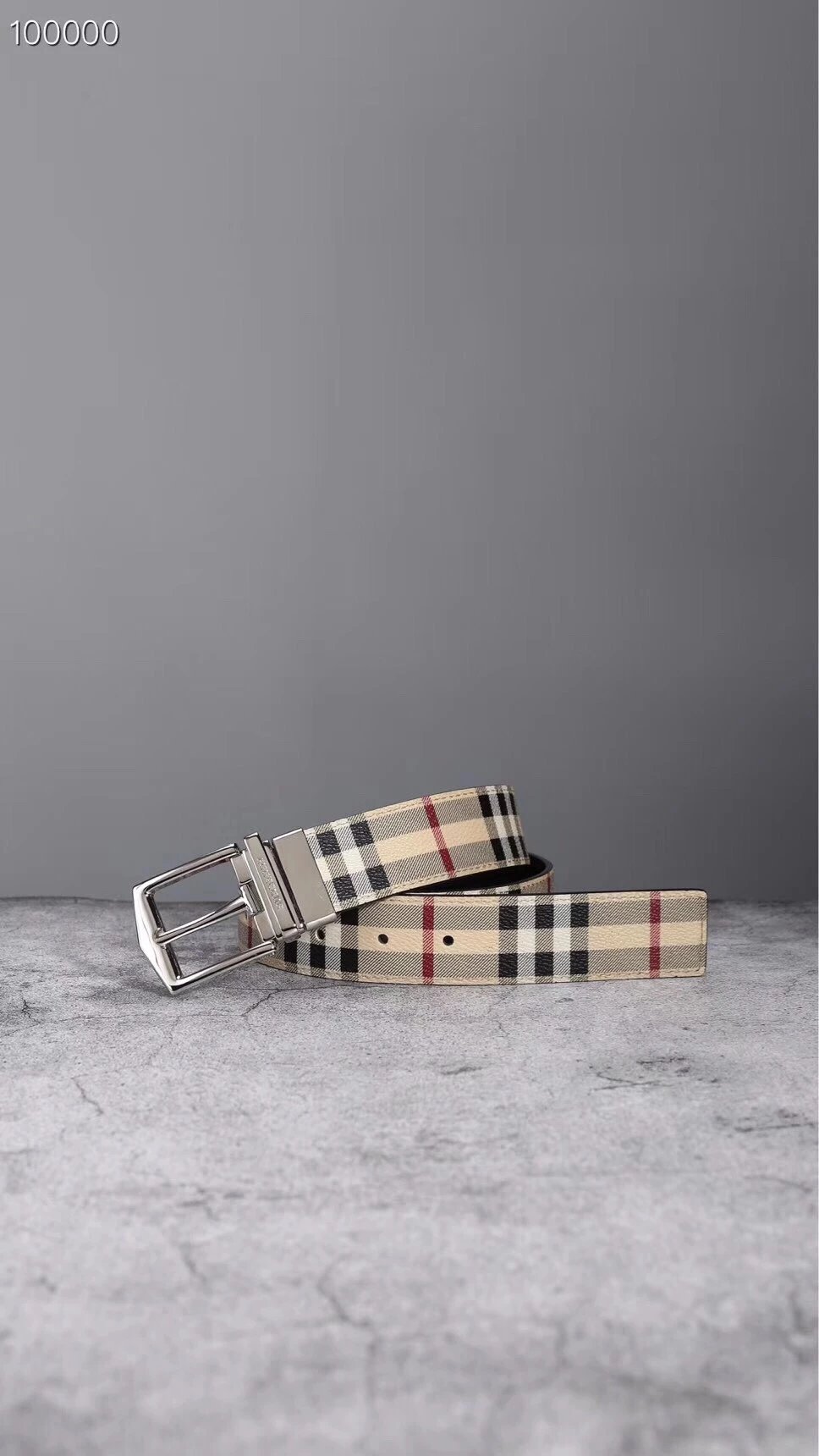
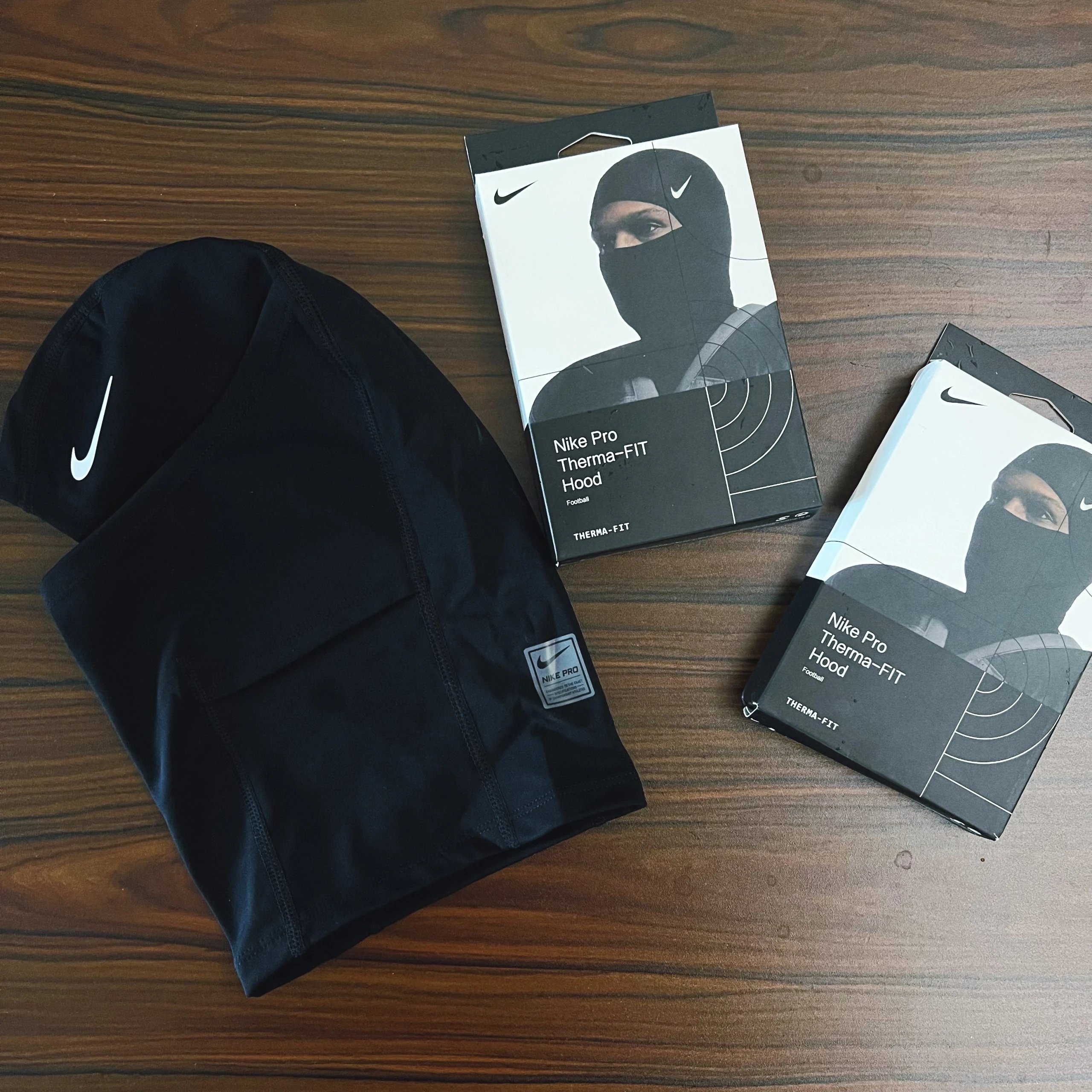
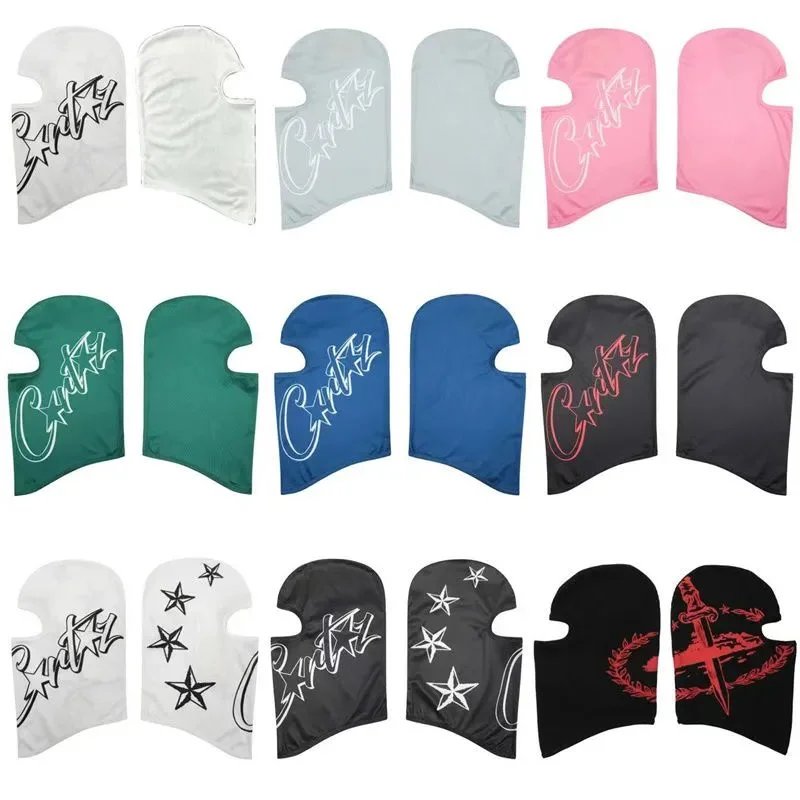
Bags, headwear, watches and jewellery complete the directory. Use a specific subcategory to narrow the list, then enlarge hardware, straps and fastening details.
Browse electronics separately from wardrobe finds. Match the pictured model, connections and accessories with the specifications on the destination product page.
Some finds sit outside the wardrobe. Explore their individual pages, identify what is actually pictured and follow the connected listing for the current product details.
Finding a listing, reading its photos and opening the right link.
A searchable catalogue of product links with pictures, reference prices and available QC photos. It helps you discover a listing and keep its images connected to the matching OOTDBuy link.
Use Shoes for footwear, Tops for T-shirts and hoodies, Bottoms for trousers and shorts, or Outerwear for jackets. The category directory also includes sets, accessories, underwear, electronics and other finds.
Yes. Upload a JPG, PNG, WebP or GIF, or paste an image from your clipboard. Compare the returned pictures carefully: visual similarity does not establish the same seller, batch or product.
For a supported Weidian listing, it opens the OOTDBuy product page with the original numeric product ID, the Weidian channel and our invite code. The source-copy button keeps the original marketplace URL.
No. They are existing reference photos associated with the listing. Enlarge them to inspect visible details; they do not establish the condition of a future order.
Style thumbnails only change the image preview here. Choose your size, colour, quantity and any other required options on OOTDBuy before ordering.
Prices start in USD. You can change currency in the header. Converted amounts are reference prices; check the current destination listing and selected options.
This is an independent discovery site. OOTDBuy handles accounts, orders, payments and customer support. Registration and purchase links include our referral code.